The Mistake Most Companies Don’t Realize They’re Making
Shipping a company laptop often seems straightforward. All you have to do is book a courier, share the tracking link, and move on. In a world where hybrid work is on the rise, employees work remotely, and offices downsize, making this approach the most practical.
But treating company laptops like personal parcels is a quiet mistake many businesses don’t realize they’re making. Because, unlike personal devices, company laptops have a lot of sensitive data with system access and accountability, so when they’re shipped via consumer courier services, the focus is more on the delivery speed and not control, but when the package leaves the office or the employee’s home, no one takes responsibility.
Ship Laptops Securely with Remote Retrieval
Even though consumer shipping seems harmless, this logistical shortcut can quickly become a security, compliance, and asset-management problem. And most companies only notice it when something goes wrong.
Company Laptops Are Not Regular Packages
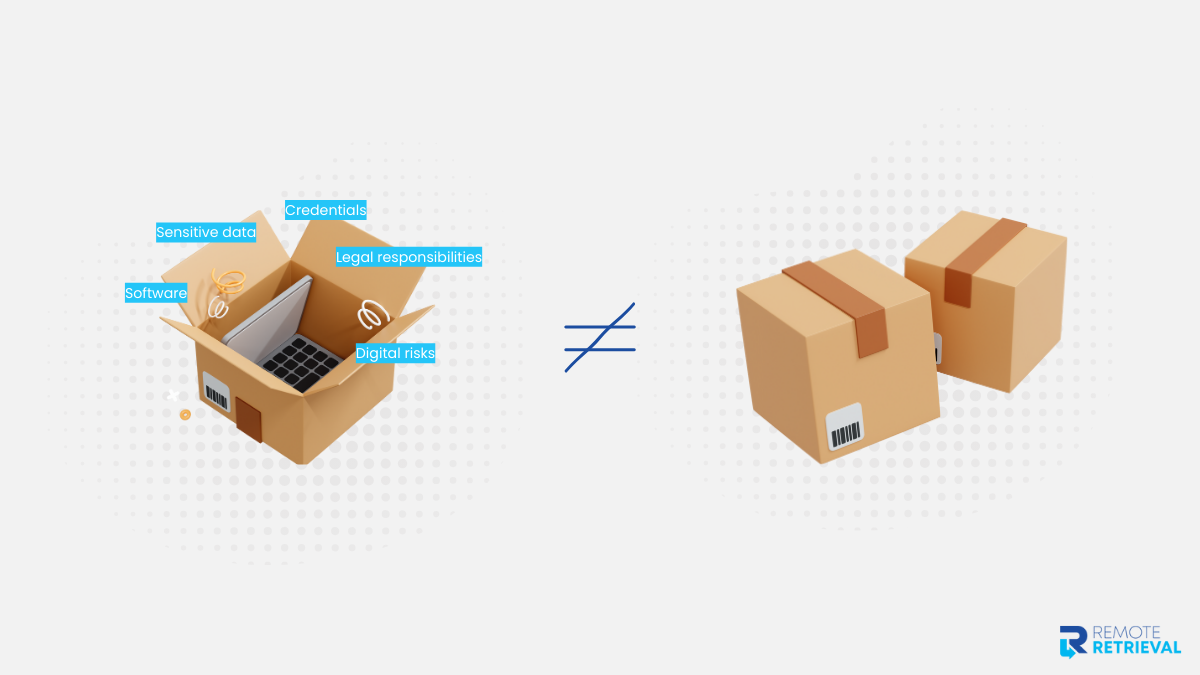
It is not a mistake to mistake a laptop for another shipment. It fits in a box, has a tracking number, and arrives at a destination. This is where the confusion starts. A company laptop is an active business asset as it contains internal data, saved credentials, software licenses, and access to company systems.
Even when employees are instructed to log out or stop using the device, access often remains until IT formally intervenes. Losing visibility into them is not ideal, as it creates gaps that are difficult to explain later.
When a company laptop is shipped as a personal item, it is treated only as a physical object, without the associated digital risks and legal responsibilities. This difference makes shipping methods extremely crucial.
| Company Laptop | Regular Package | |
| Purpose | Business-critical asset | Personal or commercial item |
| Data Stored | Sensitive company data and credentials | No data risk |
| Access Impact | Can grant access to systems and networks | No system access |
| Ownership | Tracked on the company asset registers | Usually personal ownership |
| Compliance Risk | Subject to security, audit, and data policies | Not compliance-sensitive |
| Loss Impact | Security, legal, and operational consequences | Replacement or refund |
| Tracking Needs | Requires a chain-of-custody and accountability | Basic delivery confirmation |
| Post-Delivery Actions | Must be verified, wiped, reassigned, or retired | None |
What Consumer Shipping Is Designed For (and What It Isn’t)
Consumer shipping isn’t broken. It’s just doing the job it was built for. The issue starts when company laptops are treated like any other package in the system. Once you compare what consumer couriers optimize for versus what businesses actually need, the gap becomes clear.
| Consumer Shipping Is Designed For | Why It Doesn’t Work for Company Laptops |
| Fast point-to-point delivery | Speed doesn’t ensure security or accountability |
| One-time parcel tracking | No asset-level visibility or device identification |
| Basic proof of delivery | “Delivered” doesn’t confirm the right person received it |
| High shipment volume | No special handling for sensitive devices |
| Loss or damage compensation | Replacing hardware doesn’t address data exposure |
| Standard packaging and labels | No controls to prevent tampering or misrouting |
| Courier-side responsibility only | No shared responsibility with IT or security teams |
| Shipment completion on delivery | No linkage to offboarding, wiping, or asset closure |
Consumer shipping does its job. It moves packages from one place to another. But company laptops need more than movement. The moment a business device is treated like a regular parcel, control is reduced to a tracking link and a delivery update. For something that carries data, system access, and responsibility, that level of oversight is rarely enough.
The Hidden Risks Nobody Tells You About
Even when everything seems “on track,” shipping company laptops quietly carry risks most businesses overlook. What appears to be a simple delivery can mask gaps in security, accountability, and operational control.
Below are the most common hidden pitfalls that only show up when it’s too late.
1. Chain-of-Custody Gaps
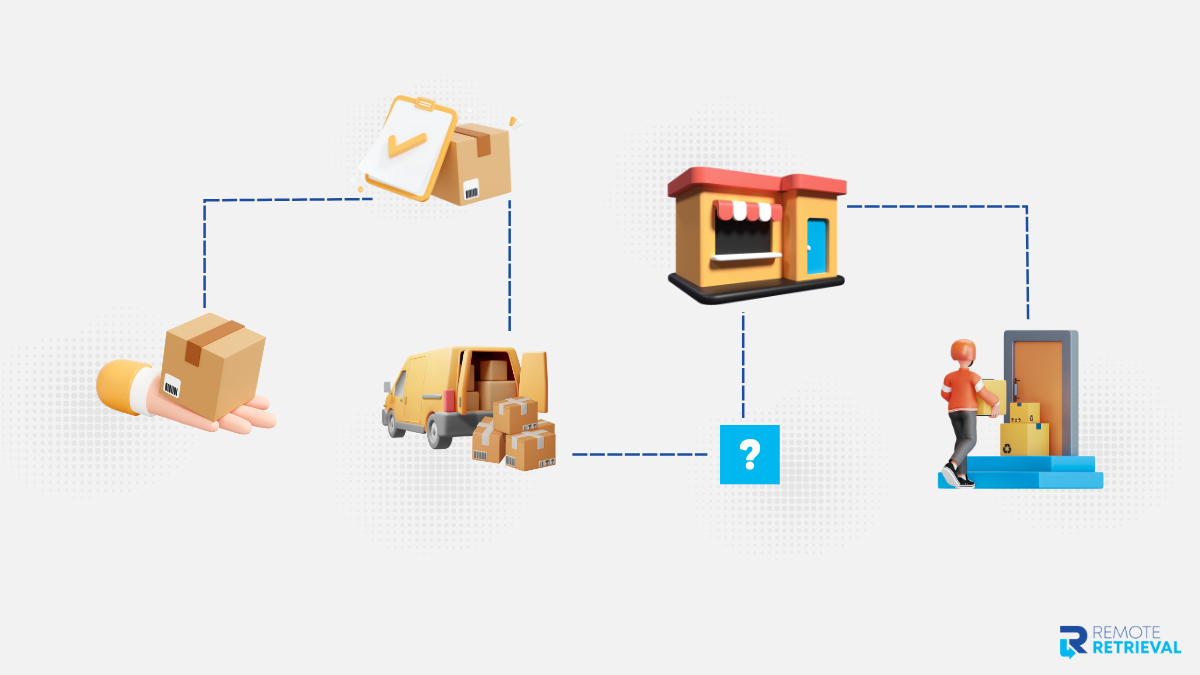
Once a laptop leaves the office, it may pass through multiple hands—courier staff, sorting centers, and delivery personnel. With consumer shipping, there’s no clear record of who handled the device and when. If something goes wrong, tracing responsibility is nearly impossible.
2. Delivery ≠ Receipt
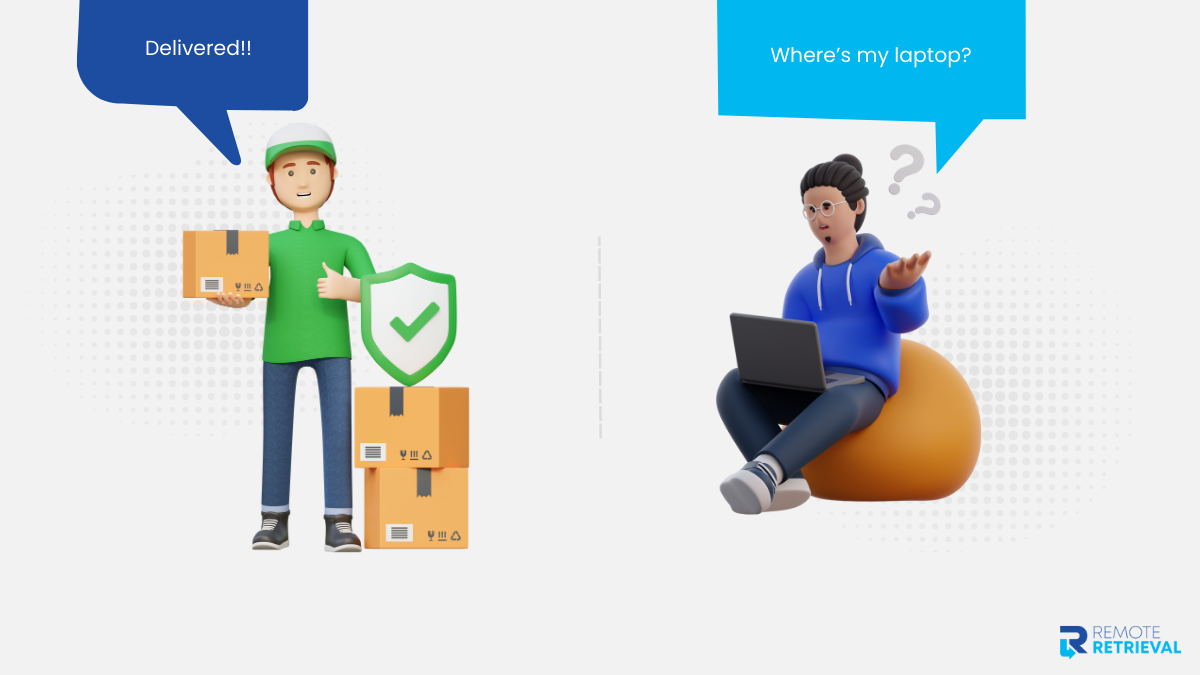
A package marked “delivered” doesn’t guarantee it reached the intended person. It could sit at a reception desk, with a neighbour, or in a holding area. For a business asset, “delivered” without verification is a risk waiting to happen.
3. Data Exposure
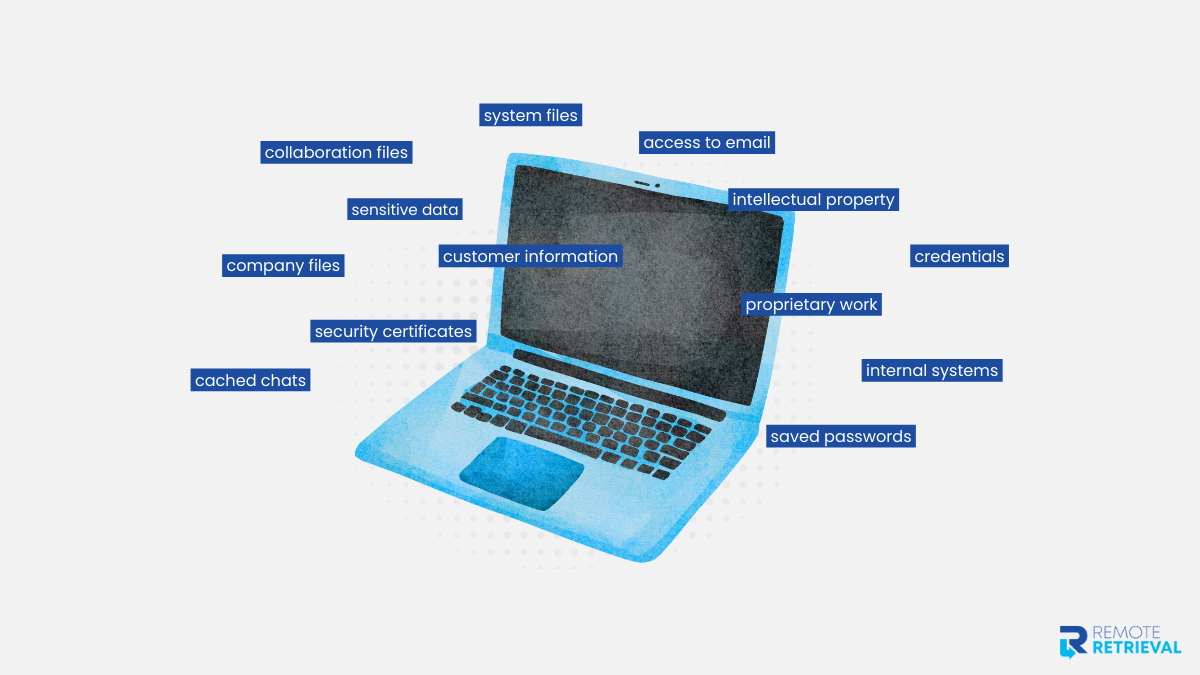
Many laptops are shipped before they’re fully wiped or deregistered. If a device is delayed, misrouted, or temporarily lost, the risk isn’t just losing hardware—it’s exposing sensitive company data.
Ship Laptops Securely with Remote Retrieval
4. Operational Blind Spots
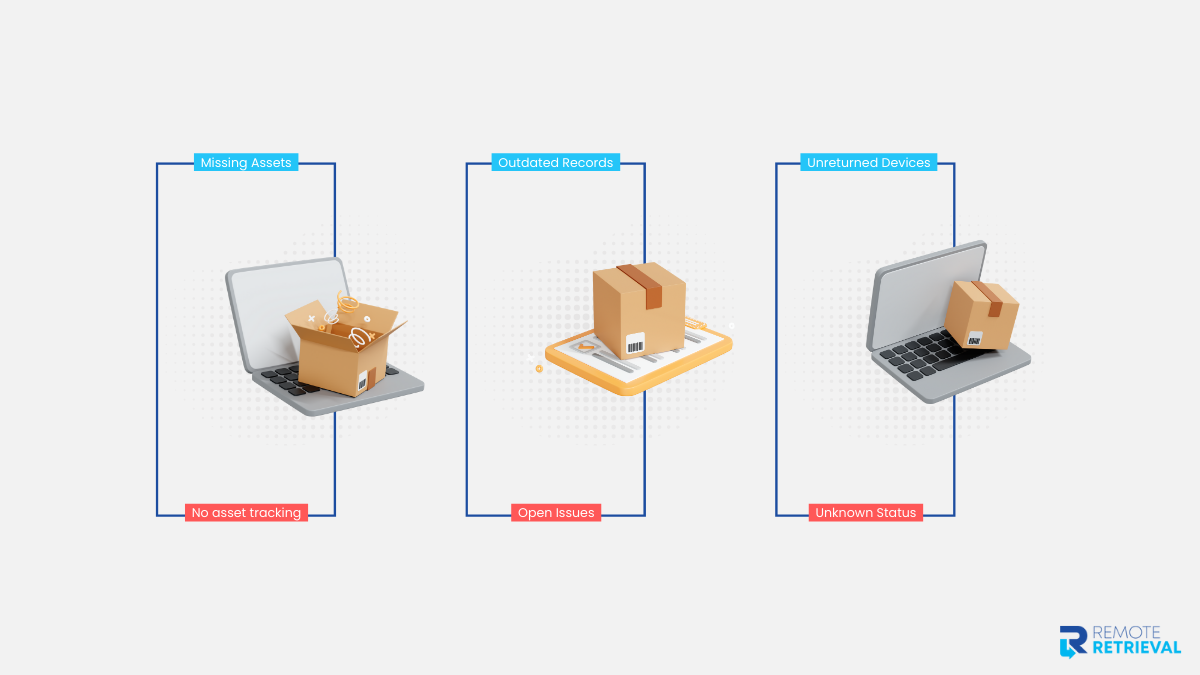
Without proper tracking, IT teams can’t update asset registers, close tickets, or confirm device return. This creates extra work, delays audits, and can lead to compliance issues.
5. Compounding Risk Over Time
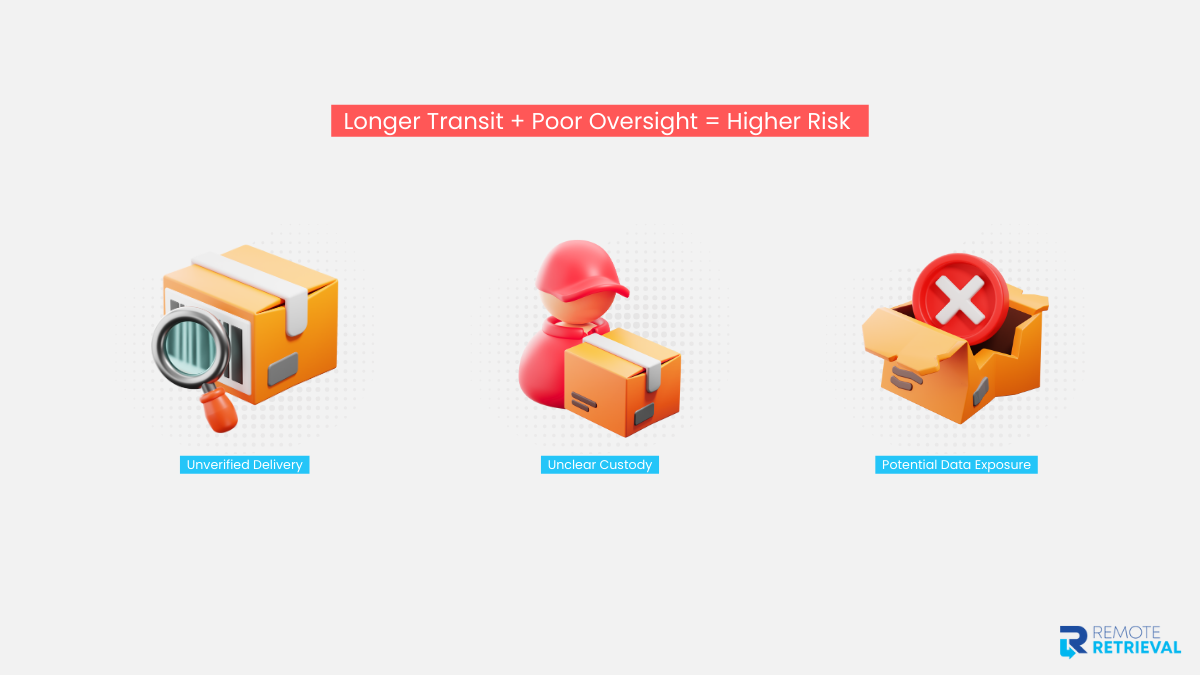
Each of these small gaps, such as unverified delivery, unclear custody, and potential data exposure, adds up. The longer a device is in transit without proper oversight, the higher the chance of something going wrong.
Why IT Teams End Up Cleaning the Mess
When company laptops are shipped like regular parcels, it’s not just a security problem—it’s an operational one. IT teams are usually the first to feel the strain.
-
Endless Follow-Ups
Without a controlled shipping process, IT spends hours tracking down packages, confirming deliveries, and chasing signatures. What should take a few minutes becomes a recurring headache.
-
Manual Tracking on Spreadsheets
Consumer couriers provide limited visibility. IT often ends up building spreadsheets, updating asset logs manually, and cross-checking delivery confirmations—all prone to error.
-
Audit Pressure
Missing or delayed laptops complicate compliance reporting. When auditors ask for proof of device return or data wiping, teams scramble to provide records that may not exist.
-
Employee Friction
Employees expect a smooth offboarding or remote return process. Delays, lost packages, or unclear instructions create frustration and tension, reflecting poorly on IT and HR alike.
-
The Hidden Cost
It’s easy to underestimate the impact, but these inefficiencies add up. Time spent firefighting, correcting errors, and reconciling assets often costs more than investing in a proper shipping process upfront.
What Secure Laptop Shipping Actually Looks Like
Shipping a company laptop is not just about moving a box; it is a controlled process that protects data, maintains accountability, and keeps IT operations smooth. Treating it as a workflow rather than a courier task ensures every step is documented and secure.
-
Step 1: Pre-Shipment Documentation
Before a laptop leaves the office, record all relevant details, including the device ID, employee name, and reason for shipment. This ensures full visibility from the start, whether the shipment is part of a planned return or an offboarding process.
-
Step 2: Secure Packaging and Labeling
Pack every laptop in tamper-evident packaging and label it clearly. This not only protects the device physically but also ensures that it is handled according to company standards, reducing errors during transit.
-
Step 3: Verified Handovers
Confirm and log every handoff, whether it involves internal staff, a courier, or a Remote Retrieval team. This step creates accountability and maintains a clear chain of custody throughout the shipment.
-
Step 4: In-Transit Tracking
Track the laptop in real time using asset-level monitoring rather than relying solely on parcel tracking. This ensures that no device is lost or delayed without notice and that IT remains aware of its location at all times.
-
Step 5: Post-Receipt Confirmation
Once the laptop arrives at its destination, IT verifies it against the shipment records. The team then updates the asset register and initiates any necessary next steps, such as wiping, reassignment, or retirement.
-
Step 6: Integration into Asset Management
Finally, integrate the shipment into the overall IT asset management process. By treating shipping as part of a larger operational workflow, including Remote Retrievals when needed, laptops remain secure, accounted for, and ready for their next use.
Ship Laptops Securely with Remote Retrieval
Conclusion
It’s easy to think shipping a company laptop is no big deal, but there’s more to it than just getting a box from point A to point B. These devices carry sensitive data, system access, and accountability that a simple courier can’t handle. Treating them like personal parcels quietly invites security gaps, compliance headaches, and operational stress.
The risks don’t always show up immediately. “Delivered” doesn’t always mean received, and delays or mishandling can leave IT teams scrambling with spreadsheets, audit questions, and frustrated employees.
The smarter way is to treat shipping like a process, not a task. Document every device, pack it securely, log every handover, track it in transit, and confirm upon arrival—Remote Retrievals included.
Ultimately, convenience is tempting, but control matters more. Company laptops aren’t just devices; giving them the attention they need saves time, stress, and potential headaches.