
Image Source: iStock/fad1986
Scaling a startup is exciting. You get new customers, bigger projects, more team members, and everything grows. But this growth doesn’t come alone. It bears challenges that are often overlooked. One of the biggest challenges is hardware.
From the laptops you got when you first launched the startup, to the servers that are no longer useful, and even the tech gear that has been replaced. All of these pile up and drain your startup’s resources.
Scaling your startup will be incomplete if you don’t scale your hardware at the same time. This guide will help you scale up responsibly by making deliberate, smart decisions with the sole goal of growth.
By the end, you will surely have a clear understanding of how to plan, execute, and maintain your hardware.
Understanding Your Startup’s Needs
Before you buy a single device or expand your server network, you need to understand what your startup actually needs.
Let’s start with simple questions.
1. What Do You Currently Have?
Sit with your team and take a stock of all the devices and servers you already have. When making the list, add the status of the gadget, whether it is in use, idle, or close to becoming e-waste.

Common devices like laptops, servers, desktop pc, and more, which are close to becoming e-waste
This is a sample hardware inventory checklist:
| Hardware | Quantity | Status (In Use / Idle / Obsolete) | Assigned To | Notes |
| Laptops | 15 | In Use | Development Team | All fully functional |
| Laptops | 3 | Idle | Storage / Backup | Can be redeployed |
| Servers | 2 | In Use | IT / Backend | Scheduled maintenance next month |
| Desktop PCs | 5 | Idle | Marketing | Consider donating or recycling |
| Printers | 2 | In Use | Office | Fully functional |
| Networking Gear | 1 router, two switches | In Use | IT | Update firmware soon |
| Tablets | 4 | Obsolete | QA Team | Remove sensitive data and recycle |
| External Storage | 3 HDDs | Idle | Design Team | Evaluate for reuse or upgrade |
2. What Are The Gaps In Your Hardware Setup?
To identify what you need next, calculate your pain points. This is where the notes in your checklist come in handy. You can see what systems are running low, if there are any overworked servers or teams lacking crucial gadgets and equipment. The clarity here will help you prioritize upgrades and fill out all gaps without unnecessary spending.
3. What Growth Are You Expecting?
Data is everything. Start by estimating your startup’s trajectory over the next 6-12 months. The table below shows the key growth points to track and how they tie into your hardware planning.
| Growth Marker | What to Track |
| Team Size Increase | Number of new hires in the next 6–12 months |
| User Base / Client Growth | Expected increase in customers or platform users |
| Data Volume Growth | Anticipated storage, processing, or analytics needs |
| Specialized Equipment Needs | Any project- or department-specific tools |
| Backup & Redundancy | Risk of downtime as operations scale |
4. What Is First On Your Need List?
Start by identifying all the hardware that your team cannot function without. This might be the most basic tech, such as laptops, servers, or any storage systems holding essential data. Since these are your essentials, keep them in mind when planning, budgeting, and maintenance.
Principles Of Responsible Scaling
Another facet of hardware scaling is doing it responsibly. When scaling, you shouldn’t just add more, but add the right hardware.
To help you stay on track, here are some guiding principles you must keep in mind:
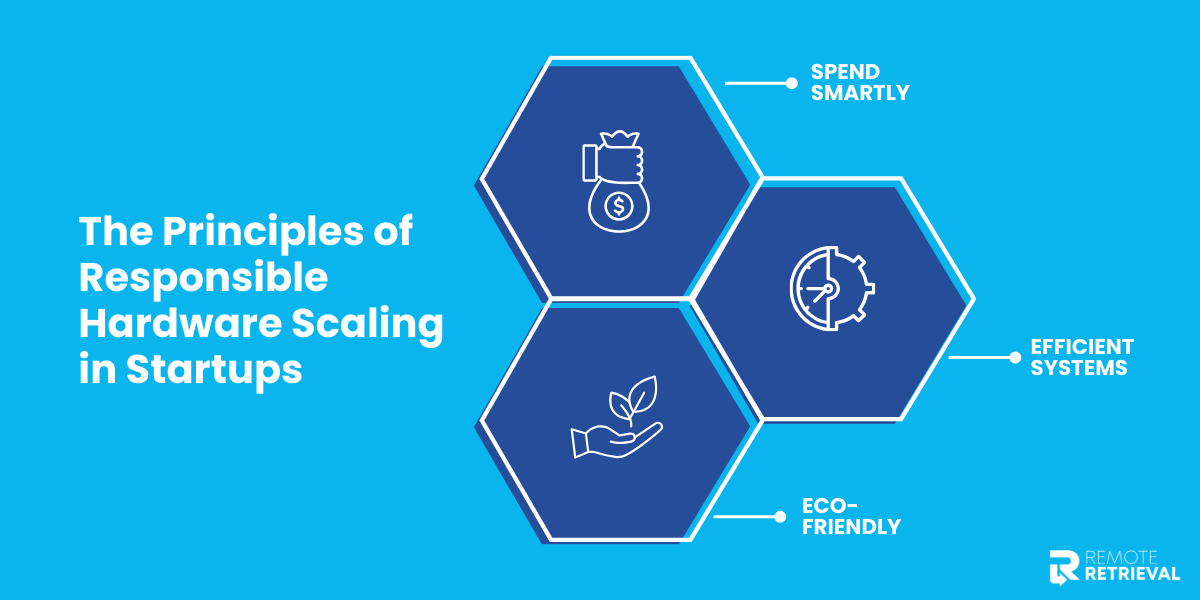
The three principles of responsible hardware scaling that startups need to adopt
• Spend Smartly
Only buy what you truly need. Avoid bulk purchases that won’t be used right away or don’t add any real value. With responsible spending, you can stay within your budget and still grow.
• Be Environmentally Conscious
Your device has a footprint. You should prioritize energy-efficient ways to add more hardware and recycle the old ones. Sustainability in your startup goes a long way.
• Go For Efficient Systems
Do not hoard hardware only for it to create headaches. Always choose systems that integrate seamlessly and are easy to maintain, and will stay in use for a long time. With smoother operations, you get less downtime and much more productivity.
Strategies To Scale Hardware
Startups are all about strategies. Once you understand your startup’s needs and principles, the next step is to strategize. We have put together some strategies to help you avoid unnecessary expenses.
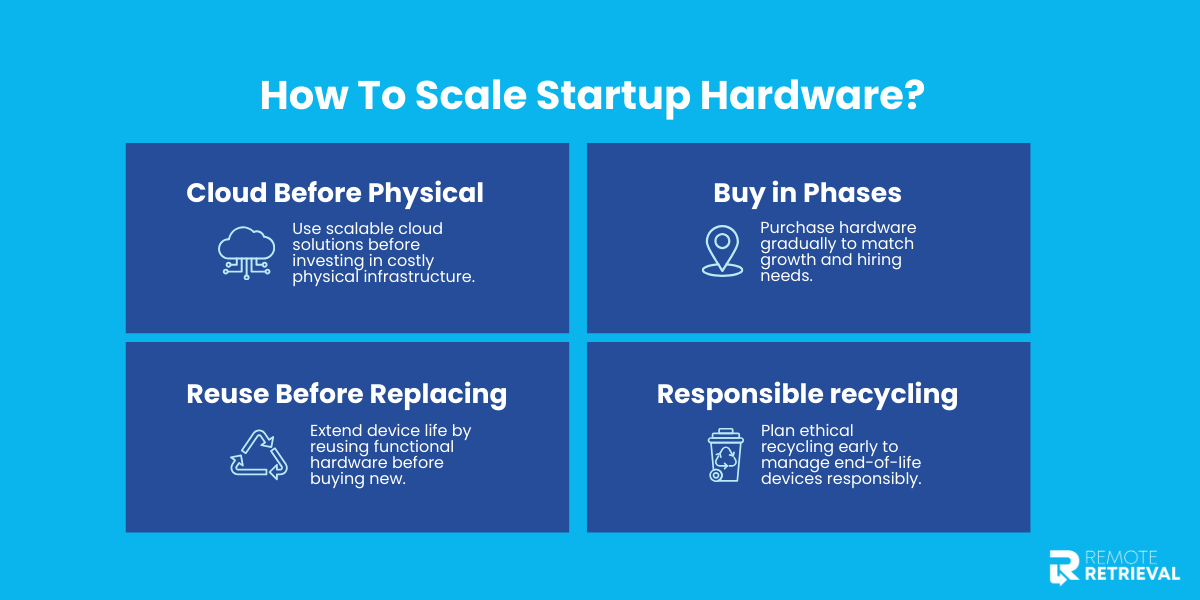
Methods in which startups can scale their hardware
• Cloud Before Physical
Investing in physical infrastructure can be expensive and problematic later on. Instead, you can explore a cloud-based option that allows you to have shared storage, which is easy to scale up and down based on the needs of your business.
• Buy In Phases
It may seem like a lucrative option to purchase all your hardware in large quantities, but that can drain your budget faster than you can say hardware. Resist the urge and scale your hardware in stages that also align with your hiring plans.
• Reuse Before Replacing
Not all older devices are obsolete; some can be reused. Look inward first so your devices have longer lives and you don’t have to buy new ones when the need arises.
• Set Up Responsible Recycling
Since recycling is inevitable. Why not plan for it before time? So, decide what happens when a device has reached the end of its life. Contact a responsible recycler like Remote Retrieval to have your device recycled ethically and ensure proper e-waste disposal.
Post- Scaling Monitoring & Maintaining
Scaling does not stop once you get the hardware; that is just the first step. Tracking and maintenance come next.
Keep a clear, up-to-date record of all hardware, including what is in use, who it is assigned to, and its performance levels. And to do this, you need to update the records, which helps you regularly spot devices not in use or hardware that is not properly working.
Schedule routine updates, performance checks, and repairs to extend your device’s life. By solving issues on time, you can improve efficiency.
With proper tracking and maintenance, you can keep scaling your devices rather than it being a one-time activity.
Checklist For The Complete Hardware Scaling Cycle
This checklist is designed to turn responsible hardware scaling into action. Use it as a step-by-step guide to grow without making rushed purchases.
| Task | Action Details |
| Inventory all existing hardware | List all devices, servers, and systems with their condition and usage status. |
| Identify idle or underused assets. | Flag hardware that can be redeployed, upgraded, or retired. |
| Define mission-critical hardware | Mark systems and devices essential to core operations. |
| Identify performance gaps | Note slow systems, overloaded servers, or missing tools affecting productivity. |
| Forecast growth (6–12 months) | Estimate team size, user growth, and data requirements. |
| Decide on the scaling approach. | Choose cloud, physical hardware, or a hybrid model. |
| Prioritize purchases | Rank hardware needs based on urgency and business impact. |
| Purchase in phases | Buy hardware only as demand arises, not in bulk. |
| Reuse or repurpose an existing device | Upgrade or reassign hardware before purchasing new equipment. |
| Set up tracking and ownership. | Assign devices to teams or individuals and track usage. |
| Schedule maintenance and updates | Plan routine checks to extend hardware lifespan. |
| Secure data on retired hardware | Wipe data before reuse, resale, or disposal. |
| Plan responsible disposal | Recycle, donate, or resell through certified channels. |
| Review hardware setup quarterly. | Reassess needs and adjust as the startup grows. |
Conclusion
Responsible hardware scaling is all about intention. When you know what you have, plan for growth and scale only what truly matters for your startup. Hardware should be a support system, not a drain on your budget. Follow this guide and let your hardware grow with your business.