Image Source: iStock/Ekaterina Mutigullina
Hiring has been transformed ever since remote work came into the picture. Companies today hire talent globally, so employees no longer sit in the same physical space as HR, IT, or logistics teams.
This widespread distribution of employees across the globe has its perks, such as the flexibility to work from anywhere, global talent scouting, and increased productivity. However, there’s no denying that it comes with its own set of logistical challenges. Many of the operational challenges companies face today stem from lingering assumptions and remote-work myths that affect IT operations.
One of the primary issues is how to reliably and securely recover company-issued laptops when remote employees leave.
In a typical workplace, former employees would return their equipment to the IT department as part of the offboarding process. In the case of a remote employee, the offboarding process is trickier, which may lead to companies losing expensive hardware and sensitive data, consequently.
In this guide, we’ll discuss how a successful business can avoid such issues and implement a smooth laptop recovery process for ex-employees.
Why Recovering Remote Laptops Is Harder Than It Seems
When an employee leaves an office location, there is usually a last-day procedure: HR meets with the employee, IT disables access, and laptops are physically exchanged.
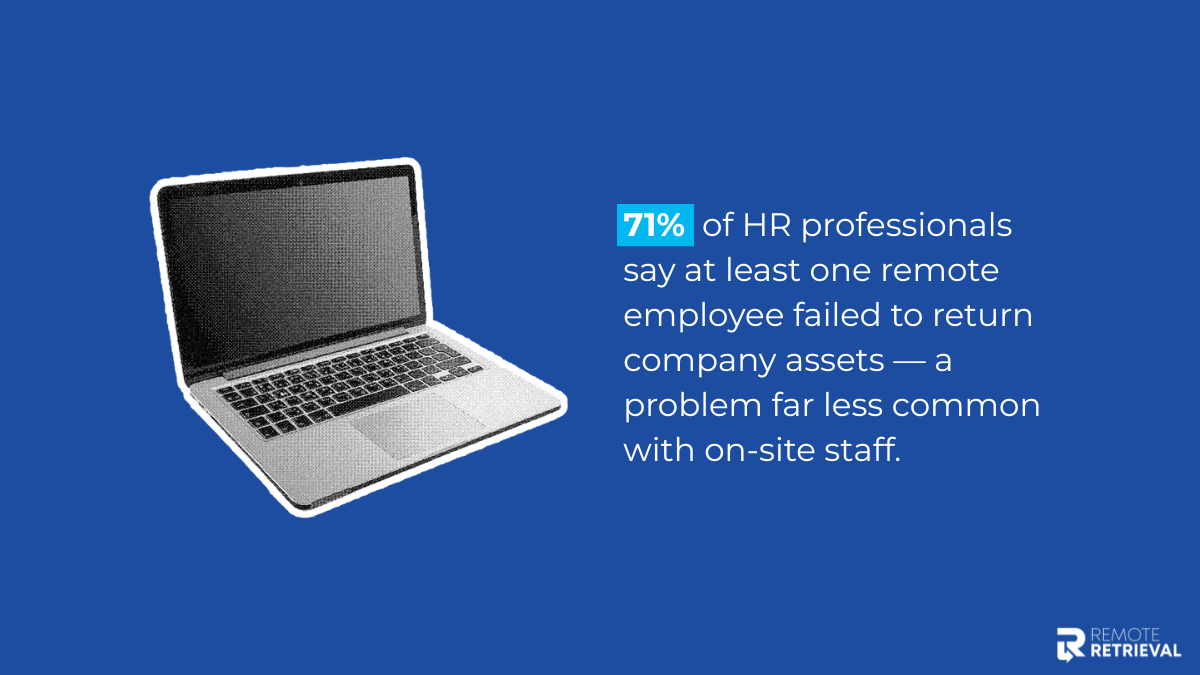
For remote employees, that physical interaction disappears. According to Capterra, 71% HR professionals reported that at least one employee didn’t hand in their assets as compared to on-site employees.
What seems like a flexible approach often reveals the true cost of unstructured offboarding policies, especially when devices are delayed or never returned.
Here are reasons why businesses may have a harder time retrieving company assets given to remote employees:
- There is no physical handoff to guarantee asset return.
- Employees may delay shipping or forget return instructions.
- Shipping logistics vary by region.
- Tracking is inconsistent without centralized systems.
- IT and HR often lack integrated visibility into the process.
Informal vs. Structured Laptop Recovery
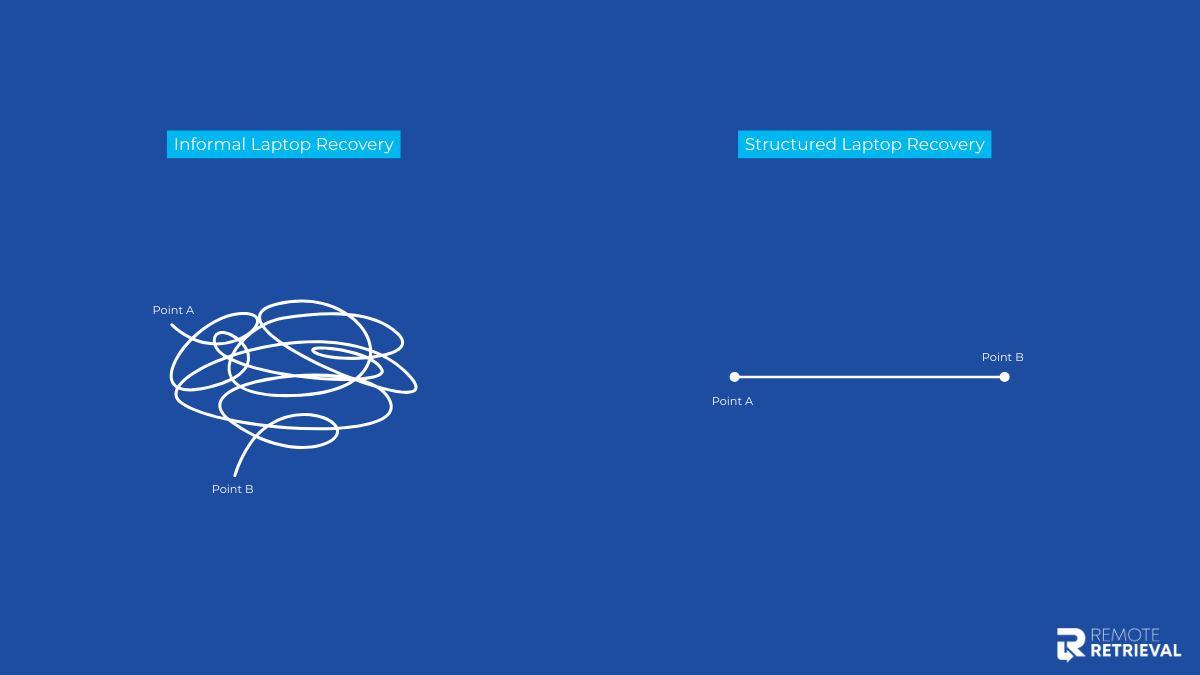
Have a look at how the two processes differ and why it is necessary to have a structured process:
| Area | Informal Process | Structured Process |
| Shipping | Employee arranges shipment | Company provides prepaid, insured label |
| Packaging | Employee uses available materials | Standardized return kit provided |
| Tracking | Tracking shared via email (sometimes) | Centralized dashboard with live tracking |
| Follow-ups | Manual reminders from HR | Automated reminders and deadlines |
| Data Security | Access disabled inconsistently | Immediate revocation + device controls |
| Visibility | Limited cross-team coordination | HR & IT have shared visibility |
| Scalability | Works for small teams only | Built for distributed, growing teams |
At a very small company, say a 10-person creative agency in one city, an informal process can still work. If someone leaves, the founder might simply ask them to courier the laptop back and share the tracking number. With limited devices and low turnover, manual coordination is manageable.
But imagine companies like GitLab or Shopify, both known for distributed or remote-first operations. With employees spread across regions and frequent hiring cycles, informal tracking would quickly become chaotic. A structured model with prepaid labels, standardized kits, centralized tracking, and coordinated HR–IT workflows becomes essential. At that scale, laptop recovery is not a side task. It is an operational function tied directly to security, cost control, and employee experience.
Steps to Adopt for Successful Retrieval of Laptops From Employees
Here are the steps HR or the IT Asset Management can take to improve the process of retrieving laptops from employees who have resigned:
Step 1: Build a Clear Laptop Return Policy (Before Offboarding Begins)
Laptop retrieval should never begin at offboarding. It starts at onboarding.
Recovery must be treated as a formal stage in your asset lifecycle, alongside procurement, deployment, management, and redeployment. This lifecycle-driven mindset ensures devices are always tracked, owned, and recoverable, consistent with the principles outlined in a startup guide to responsible hardware scaling.
Your written return policy should:
- Be embedded in employment agreements and remote work contracts
- Clearly define device ownership and return obligations
- Outline timelines and shipping procedures
- Establish consequences for non-compliance
When expectations are standardized early, recovery becomes procedural, not reactive.
Employees who know what to expect are far more likely to comply, and you avoid ambiguity later in the offboarding timeline.
Step 2: Revoke Access and Protect Company Data
Recovering the physical device is important, but data security must happen immediately. On an employee’s final working day, your team should:
- Disable system credentials and SaaS access
- Lock or monitor enrolled devices
- Confirm encryption status
- Flag the device in your asset tracking system
The key difference is coordination. HR, IT, and operations must operate from a shared workflow, not disconnected email threads. Security should not depend on how quickly the laptop ships.
Step 3: Ship Return Kits With Prepaid Labels and Packaging
One of the biggest weaknesses in informal recovery is consumer-style shipping. Instead of expecting employees to “figure it out,” a structured model provides:
- Prepaid, insured shipping labels
- Approved carriers
- Standardized return kits
- Clear, step-by-step return instructions
As a result, this ensures:
- Reduced transit damage
- Centralized shipment visibility
- No reimbursement delays
- Consistent employee experience
Using standardized kits protects devices in transit, reduces damage, and removes friction from the shipping process.
Step 4: Monitor Shipping and Follow Up
Tracking should never live in inboxes. A structured retrieval model includes:
- Centralized tracking dashboards
- Automated status updates
- Defined return deadlines
- Escalation workflows for late shipments
Every device should have a documented chain of custody from employee to intake facility. Visibility reduces follow-ups, and automation reduces administrative burden. Overall, standardization improves recovery rates.
Step 5: Inspect, Sanitize, and Verify Returned Devices
When a device is returned, it enters a controlled intake process. This includes:
- Physical condition inspection
- Accessory verification
- Secure data wipe using certified standards such as NIST 800-88
- Functional testing and health checks
- This stage is critical. It closes the security loop and determines whether the device is redeployable, repairable, or ready for responsible recycling.
Skipping the exit checklist or sanitization can expose your organization to security and compliance risks and ultimately cost more if devices are redeployed without proper checks.
Step 6: Update Inventory and Decide Next Steps
Recovery without inventory accuracy defeats the purpose. Once processed, devices should be:
- Logged into centralized asset systems
- Categorized by condition
- Marked for redeployment, repair, or disposal
Organizations that treat retrieval as part of lifecycle management reduce unnecessary procurement and extend hardware lifespan. In distributed teams, redeployment efficiency directly impacts budget control.
Step 7: Continuous Improvement (Review and Feedback)
High-performing companies treat retrieval as a measurable process. They track:
- Return timelines
- Recovery rates
- Device condition trends
- Operational bottlenecks
Continuous improvement ensures the process scales smoothly as remote headcount grows. What works for ten remote employees must work for a hundred.
Why Many Growing Companies Use Third-Party Retrieval Services
As remote teams scale, internal manual processes often become unsustainable. Third-party retrieval services specialize in:
- Coordinating shipping logistics.
- Providing branded return kits.
- Automating tracking and reminders.
- Maintaining dashboards for HR/IT visibility.
- Handling data sanitization and warehousing.
These services free internal teams from administrative overhead while improving return rates and consistency, especially helpful for companies with widespread distributed workforces.
So if you’d like to hire an expert team for extracting your company assets from a former employee, Remote Retrieval can do the job for you easily.
Conclusion
Recovering laptops from remote employees is more than just a logistics task. It is an important part of managing company assets effectively.
When businesses make device return a structured part of their offboarding process, everything becomes clearer and more controlled. They set clear policies. They organize shipping properly. They define accountability at every step. They also ensure data is handled securely.
As a result, they reduce losses, protect sensitive information, and keep operations running smoothly.
Frequently Asked Questions
-
How long should employees have to return laptops?
Company laptops should be returned within 5–10 business days of the employee’s last working day. Remote staff may use this time for shipping, while on-site employees should return equipment on their final day. Clear written instructions help ensure a smooth, timely return.
-
Can companies remotely wipe laptops?
Yes, companies can remotely wipe laptops using endpoint or mobile device management solutions to remotely erase data from laptops that are lost, stolen, or compromised. These tools can remove sensitive company information and, in some cases, reset the entire system to prevent security breaches.
-
What if a remote employee refuses to return a device?
If a remote employee fails to return company equipment, promptly revoke their access to all systems and send formal written notices along with a prepaid return label. If the device is still not returned, options may include filing a claim in small claims court or reporting the matter as theft.
-
What happens if an employee doesn’t return a laptop?
Failure to return a company laptop can lead to serious repercussions, including civil claims to recover its value, legal action for conversion or theft, and even criminal charges. Employers may also disable access, remotely lock or wipe the device, report the incident to authorities, and, where legally allowed, deduct the cost from the final settlement.
-
What to do before returning the laptop to the employer?
Before returning a company laptop, save any personal files and sign out of personal accounts, including email, browsers, and cloud storage. Remove saved passwords, clear browsing data, and delete non-work files. Wipe down the device, and return it with all issued accessories, including the charger, mouse, and any docking equipment.
-
Who is responsible for paying return shipping costs?
In most situations, the employer covers the cost of shipping the company equipment back, as it is a normal business expense. Organizations usually provide a prepaid label, a return box, or schedule a courier collection. While you’re expected to return the equipment, you’re typically not required to pay for the shipping.