
Image Source: iStock/Yellow Man
Remote teams work great until something goes wrong. One employee leaving suddenly can cause the entire system to crumble. No one knows where the laptops are, which of the devices need repairs, or which devices have been assigned to whom.
A system that was working fine till yesterday was disrupted overnight, with a single resignation. This is where we must understand, managing hardware remotely is not just about keeping track of the laptops, but it is about creating a process that survives sudden changes, absences, and even the end of the world if need be.
This guide will walk you through building a remote hardware program that keeps things running smoothly. So no matter who comes, goes, or surprises that pop up along the way, your remote hardware program keeps working without fail.
Why Remote Hardware Is Prone To Failure
Remote hardware programs fail more than people believe, and the reason is not a team’s incompetence or sudden resignation. The real reasons include scattered information, weak ownership, and inconsistency.
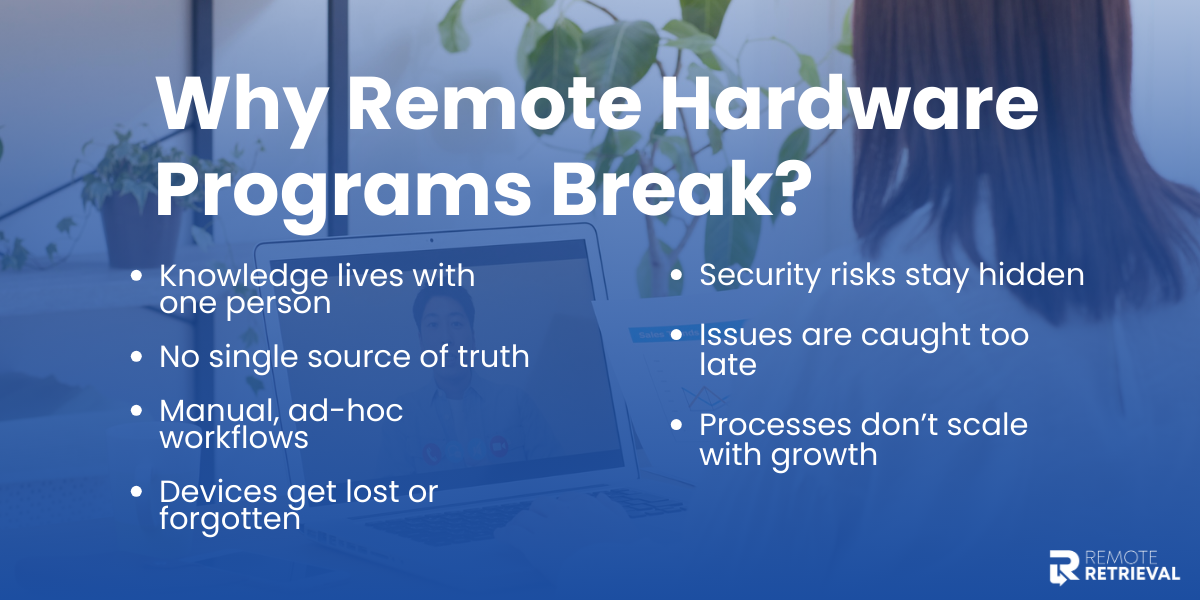
Here is why things go wrong:
-
Only one person knows where devices are or how workflows run
-
No central tracking or single source of truth
-
Ad-hoc onboarding, offboarding, and repairs
-
Lost, unaccounted, or misplaced devices
-
Hidden security risks from untracked devices
-
Delayed detection of issues like broken or overdue hardware
-
Processes that don’t scale as the team grows
But these problems are avoidable by building a resilient hardware program; you can create a system that survives everything that comes its way.
How To Build A Strong Remote Hardware Program?
Without a clear system, teams can face lost devices, security risks, and operational delays. A McKinsey study found that many organizations depend on individual employees for critical knowledge without formal sharing or transfer processes, making the loss of those employees especially disruptive. When it comes to hardware management, this risk is amplified because devices cost money, hold sensitive data, and require maintenance every now and then.
Here is how to build a remote hardware program that lasts:
1. Map The Landscape
Before you can manage hardware well, you need to know what you actually have. This is why you need to map the landscape and understand your inventory.
You can start doing this by:
• Auditing your inventory
Begin by listing every device, including laptops, monitors, keyboards, external drives, and headsets. While listing, note down serial numbers, warranties, the purchase details, and the current condition. Preventive maintenance extends asset life and reduces emergency repairs by 45%.
• Track usage patterns
Keep a track of which devices are actively in use, which ones are idle, and which are nearing the end of their useful life. This prevents your company from making unnecessary purchases and bridging gaps in availability to avoid problems in the future.
• Classify the devices
Not all your devices are the same and should be classified so they are marked according to priority, maintenance, repairs, replacements, and disaster recovery.
• Update lifecycle
Each device has its own lifecycle. Some of them might be new, active, in maintenance, or ready to be retired.
Hardware Mapping Template
To make things easier, here is a template to help you map all the existing hardware and keep a record.
|
Device Type |
Serial Number |
Assigned To |
Status |
Criticality |
Purchase Date |
Warranty |
Maintenance History |
|
Laptop |
ABC12345 |
Jane |
Active |
High |
01-Jan-2024 |
3 years |
Battery replaced Jun 2025 |
|
Monitor |
XYZ9876 |
John |
Active |
Medium |
15-Feb-2023 |
2 years |
– |
|
Headset |
HED456 |
Spare |
Idle |
Low |
20-Mar-2022 |
1 year |
Needs mic replacement |
2. Keep The Roles Clear
Even if you have perfect inventory, chaos can creep in, and if you have no clear roles as to who is responsible for what, it can cause a lot of confusion. With role clarity, you can ensure that the tasks are completed on time, even when someone leaves or is unavailable.

• Why Do Roles Matter?
Organizational psychology warns against tribal knowledge, when critical processes reside only in one person’s head. If there are no backups, the resignation of one person can stall projects.
To measure risk, you can use a standard industry metric called the Bus Factor. It measures resilience by asking questions like “How many people need to be hit by a bus before the project stops?”. By having clear roles and backups, you can increase your bus factor and, in return, safeguard operations.
In addition, Gallup highlights that employees who know what is expected of them perform better. Defined roles provide clarity and improve accountability.
• How To Define Roles
Define roles using frameworks like the RACI Matrix, you can easily structure responsibilities and clearly define roles. Here is what the RACI Matrix looks like:
|
Role |
Definition |
Example in Hardware Program |
|
Responsible |
The “doer” who executes the task |
Updates inventory, fixes devices |
|
Accountable |
The owner who must answer for outcomes |
Hardware Manager ensures inventory is correct |
|
Consulted |
Advisors who provide input |
IT or Finance for procurement advice |
|
Informed |
Observers who need updates |
Team are members notified when devices are ready |
If you have any critical tasks, always assign a primary and secondary owner. Use this template for easy role assignment:
|
Role |
Primary Owner |
Backup Owner |
Responsibilities |
|
Procurement |
A |
B |
Orders devices, liaises with vendors, approves purchases |
|
Inventory Tracking |
A |
B |
Updates inventory, monitors usage, flags missing items |
|
Maintenance |
A |
B |
Repairs, upgrades, preventive checks |
|
Offboarding & Returns |
A |
B |
Collects devices, wipes data, reassigns assets |
3. Create A Tracking System
A clear inventory and well-defined roles will not be effective if you do not track everything in one place. Without having a centralized system, your devices might get lost, and no one can take accountability.
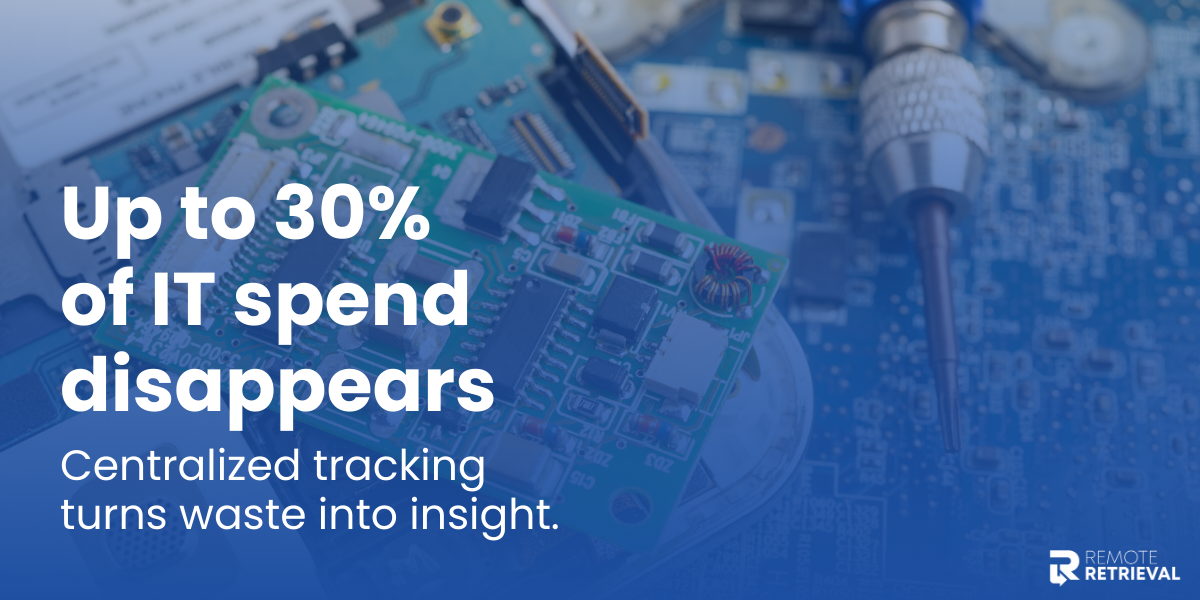
Industry data shows that 20–30% of IT budgets are wasted on unused or underutilized assets. A good IT asset management system turns that chaos into control and transforms potential risk into operational resilience.
• What Should You Track
Here are all the details you should track:
-
Device Details: Serial number, model, purchase date, warranty, and condition.
-
Assigned User: Who is currently using the device.
-
Status: Active, idle, under maintenance, or ready for retirement.
-
Location: Physical or virtual location (for remote or hybrid teams).
-
Maintenance History: Repairs, preventive checks, and upgrades.
-
Lifecycle Stage: New, active, under maintenance, retired.
Tips To Track Data
-
Use a shared spreadsheet or an asset management software
-
Set automated notifications for things like overdue returns from remote employees, warranty expiries, or maintenance schedules.
-
Integrate the system with your HR or IT platforms so they can update it in real time.
4. Keep Workflows Simple
Using complex workflows can hinder device tracking and disrupt the hardware program. Employees end up wasting a lot of time trying to figure out what comes next.

Our brains handle more straightforward, repeatable tasks much more efficiently, preventing mistakes and the frustration that follows.
Key Features of Simple & Effective Workflows
-
Create standardized workflows for onboarding, offboarding and so on that are the same for everyone and every time.
-
Keep checklists for everything. This will help you prevent missing critical steps. Relying on memory can lead to careless mistakes.
-
Limit the decision points. If fewer approvals are needed, the process becomes faster and more reliable.
-
Design the workflows for everyone; if only one person knows how to follow it, that defeats the entire purpose.
-
Keep the workflow to 5 steps or fewer; anything more will become too complex to follow.
5. Plan For Every Outcome
Remote hardware management is tricky because problems here don’t really come from routine operation but are almost always unexpected. This could include sudden resignations, unresponsive employees, lost devices during retrieval, and more. Planning for such scenarios in advance can ensure a better and more calculated response.

Here are some possible scenarios and how you should handle them.
|
Scenario |
Risks Involved |
What You Should Do |
|
Employee resigns suddenly |
Device loss, data exposure, access gaps |
Trigger a formal offboarding workflow, assign a returns owner, revoke access, and schedule device retrieval immediately |
|
Employee becomes unresponsive |
Unrecovered assets, delayed operations |
Follow escalation steps: reminders, manager involvement, then initiate third-party retrieval |
|
Device lost during transit |
Financial loss, data security risk |
Lock the device remotely, initiate tracking, and use experts like Remote Retrievals for responsible device recovery |
|
Device stolen |
Data breach, compliance violations |
Perform remote wipe, report the incident, disable credentials, and document the loss |
|
Hardware damaged or malfunctioning |
Productivity loss, unplanned spend |
Log the issue, assess warranty coverage, and issue a temporary replacement if needed |
|
Delayed offboarding |
Access misuse, asset leakage |
Automate offboarding triggers tied to HR systems to prevent lag |
|
Employee on extended leave |
Idle assets, unclear ownership |
Reassign temporary ownership or securely store the device until return |
|
Device reaches end-of-life |
Performance issues, higher failure rates |
Schedule replacement, retire the asset responsibly, and update inventory records |
|
Incomplete device return |
Cost leakage, tracking errors |
Enforce checklists, confirm receipt, and update inventory before closing the case |
Even after a lot of preparation, you may still come across different scenarios. The key here is to make better decisions and make sure you learn from them.
6. Automation Helps Standardize
Another good trick when it comes to building a remote program is to automate. As the remote team grows, manual hardware is not very reliable. You may miss out on updates, follow-ups, and more if the process isn’t as automated as it could be.
This is where automation will add the most value in your remote hardware program:
-
Automatically trigger device assignment, access removal, and retrieval as soon as someone joins or exits.
-
Keep device status updated automatically so inventory stays accurate without manual effort.
-
Use automated reminders and escalations to prevent overdue returns, repairs, or missed actions.
-
Maintain a complete activity trail for audits, compliance, and security reviews.
7. Document Everything
When knowledge lives in people’s heads instead of sheets, that is when a single resignation can completely throw you off guard. Documentation is what keeps operations stable even when people leave.

Standards like ISO 9001 and ISO 27001 emphasize documented procedures to ensure consistency and accountability. The most important details are in the moments. This table focuses on those moments
|
Moment |
What Must Be Recorded |
Where To Record It |
|
Device is ordered |
Model, cost center, expected user |
Procurement log |
|
Device is assigned |
User, location, condition, date |
Asset system |
|
Device is shipped |
Courier, tracking ID, delivery status |
Ticket or shipment log |
|
Device is received |
Confirmation, condition check |
Inventory record |
|
Issue is reported |
Problem type, urgency, device ID |
Support ticket |
|
Device is repaired |
Action taken, parts replaced |
Maintenance record |
|
Employee exits |
Return method, deadline, wipe status |
|
|
Device is retired |
Wipe proof, disposal method |
Lifecycle log |
How does documentation help?
-
It stops repeat mistakes by preserving its context
-
New owners can pick up right where the previous one left off
-
Safeguards your team during audits and helps you stay compliant
8. Review and Audit
Even if you build the most organized hardware program, it can drift off course if you do not regularly review it. By reviewing the hardware program every now and then, your system stays healthy, you can catch errors before they become problems, and ensure accountability.

How to review and audit:
-
Schedule monthly audits for smaller teams and quarterly for the larger ones
-
Cross-check and verify if the physical devices match the records and their statuses
-
Look for any repeated issues, including delays, lost devices, or other problems
-
Spot gaps and look for ways to refine workflows
Conclusion
Managing hardware for remote teams does not have to be chaotic. The key is to know what you have, who’s responsible, and how everything flows. Map your landscape, define roles, track every device, keep workflows simple, document decisions, and regularly review your system.
Do this, and your hardware program becomes ready to survive resignations, lost devices, and unexpected problems.