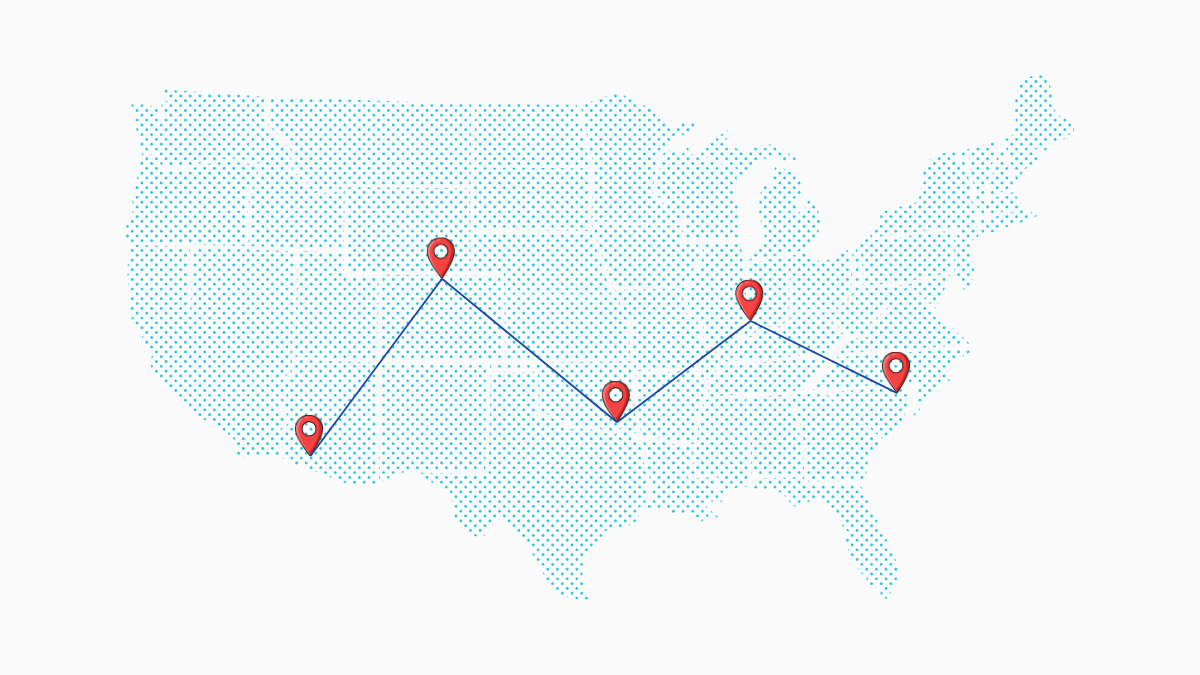
A few years ago, keeping track of company laptops was fairly straightforward. Devices stayed within office walls, and IT teams had clear visibility over who was using what. Remote work changed that almost overnight. Today, laptops move between homes, co-working spaces, airports, and sometimes even countries, often without any consistent tracking in place. What starts as a simple handover can quickly turn into confusion when records are outdated or missing. The risk is not minor either.
Studies suggest that nearly half of companies lose at least 5 percent of their devices, and recovery rates for remote equipment can fall to around 50% at best. For teams managing equipment across multiple locations, tracking laptops now demands a far more deliberate and structured approach.
Get Your Laptop Retrieved — Track It End-to-End
Practical Ways to Keep Track of Remote Laptops Without Losing Control
Managing laptops across scattered teams can feel manageable at first, until a device goes missing or a return gets delayed. That is usually when gaps in tracking start to show. A few consistent habits can bring structure back into the process without adding unnecessary complexity.
1. Create a Single Source of Truth for All Devices
A reliable tracking system begins with one central record. When laptop details are spread across emails, sheets, or different tools, small gaps turn into bigger problems. Build a single inventory that includes serial numbers, assigned users, locations, and device status. Keep it updated in real time, not weeks later. This becomes especially important when teams follow a digital nomad lifestyle, where devices move frequently.
-
Track serial numbers and device specs
-
Log assigned user and location
-
Update the status after every transfer
-
Keep access limited but visible to IT
According to industry research, a lack of centralized tracking is one of the main reasons companies lose visibility over distributed assets in remote environments. When this happens, even basic questions like “who has this laptop?” become difficult to answer.
2. Replace Spreadsheets with Asset Management Tools
Spreadsheets often start well but rarely scale. They rely on manual updates, which means errors and delays are almost guaranteed. Dedicated asset management tools remove that friction by automating updates and giving you a clearer overview of every device. You also get reporting features that help spot patterns, such as devices that have not checked in for weeks.
-
Automate tracking and updates
-
Use dashboards for quick visibility
-
Set permissions for different teams
-
Generate reports for audits
Research shows that 68% of organizations struggle to maintain an accurate hardware inventory after moving to distributed work models. This gap is one of the main reasons laptops go untracked or duplicated in records. With proper systems in place, tracking also improves during offboarding, where delays in updates often lead to missing or unreturned equipment.
3. Assign Every Laptop to a Specific Employee
Shared responsibility often leads to no responsibility. Each laptop should be assigned to one person, with proper documentation confirming the handover. This simple step reduces confusion and speeds up recovery if something goes wrong. It also makes conversations around accountability more straightforward.
-
Link each device to one user
-
Maintain signed assignment records
-
Update ownership after role changes
-
Avoid informal device sharing
Clear ownership improves accountability during both active use and recovery stages. It also reduces confusion when companies need to recover laptops from remote employees, especially when teams are spread across regions or time zones. Without this clarity, even basic audits become unreliable, and devices slowly drift out of the system.
4. Use Remote Tracking and Security Features
When laptops are spread across locations, physical tracking is no longer enough. Remote tools allow you to locate devices, monitor activity, and take action if needed. Features like remote lock or data wipe can protect sensitive information if a laptop is lost or stolen.
-
Enable device tracking software
-
Use remote lock and wipe features
-
Monitor login activity
-
Track location through IP or GPS
IBM reports that the average cost of a data breach reached $4.45 million, making device-level security a serious priority for distributed teams. Security data shows that a significant portion of endpoint-related breaches involve lost or stolen devices outside corporate control, making remote security tools essential for protection.
5. Standardize Laptop Issuing and Return Processes
A clear check-in and check-out process removes guesswork. Every time a laptop changes hands, it should be recorded, verified, and acknowledged by both sides. This is where many teams overlook the importance of offboarding, which often leads to missing or delayed returns.
-
Document every handover
-
Use digital acknowledgment forms
-
Verify device condition
-
Avoid informal transfers
Research suggests that nearly half of companies lose at least 5 percent of their devices, often due to weak return processes. This is where the importance of offboarding becomes very clear. If returns are not built into the exit process, laptops often remain untracked or delayed for weeks.
6. Set Up Alerts for Unusual Activity or Inactivity
You cannot monitor every device manually, but alerts can do that for you. They notify you when something falls outside normal patterns, such as a device going offline for too long or logging in from a new location.
-
Set inactivity alerts
-
Flag unusual login attempts
-
Monitor sudden location changes
-
Track long-unreturned devices
Remote setups increase visibility challenges significantly. Asset visibility is one of the top IT asset management challenges in remote work environments, especially when devices are spread across multiple networks and locations without consistent monitoring systems in place. Without alerts, issues often surface only when employees leave or devices are needed urgently, which slows down recovery efforts.
7. Run Regular Audits to Confirm Device Locations
Even with good systems in place, audits help verify that records match reality. Schedule periodic checks to confirm device location, condition, and ownership. This is particularly useful when dealing with domestic vs international laptop retrieval, where timelines and logistics can vary.
-
Conduct quarterly or bi-annual audits
-
Cross-check records with actual users
-
Flag missing or inactive devices
-
Update inventory immediately
IT teams often report that without structured tracking, devices can “disappear” from systems even while still in use. One industry breakdown notes that distributed hardware without proper oversight can easily fall out of tracking systems, creating gaps in visibility and control.
8. Secure Devices with Strong Access Controls
Tracking is only part of the equation. Security ensures that even if a device is lost, the data remains protected. Basic steps like encryption and multi-factor authentication go a long way in reducing risk.
-
Enforce strong passwords
-
Enable multi-factor authentication
-
Encrypt all devices
-
Use secure network access
With remote work expanding, endpoint security has become a top concern, as unsecured devices remain a major entry point for cyber threats. Distributed work environments significantly increase security and compliance challenges due to the number of unmanaged access points and devices in use outside the office network.
9. Define a Clear Process for Lost or Stolen Laptops
Delays in response often make the situation worse. A clear process ensures your team reacts quickly and consistently when a device goes missing. Without structure, valuable time is lost deciding what to do next.
-
Report lost devices immediately to IT
-
Lock or wipe devices remotely
-
Record incident details in the system
-
Escalate if recovery is not possible
In distributed environments, companies frequently face device loss due to weak retrieval systems. Without structured recovery processes, organizations face higher risks of both financial loss and data exposure from missing devices.
This is where planning also intersects with recovering laptops from remote employees, since recovery steps often depend on how quickly the incident is handled.
10. Make Laptop Returns Part of Offboarding
Offboarding is where many devices slip away. Make laptop return a non-negotiable step before completing an employee’s exit. If needed, use logistics partners to recover devices from remote employees in different locations.
-
Add device return to the exit checklist
-
Track return status in real time
-
Follow up on delays
-
Use courier services when required
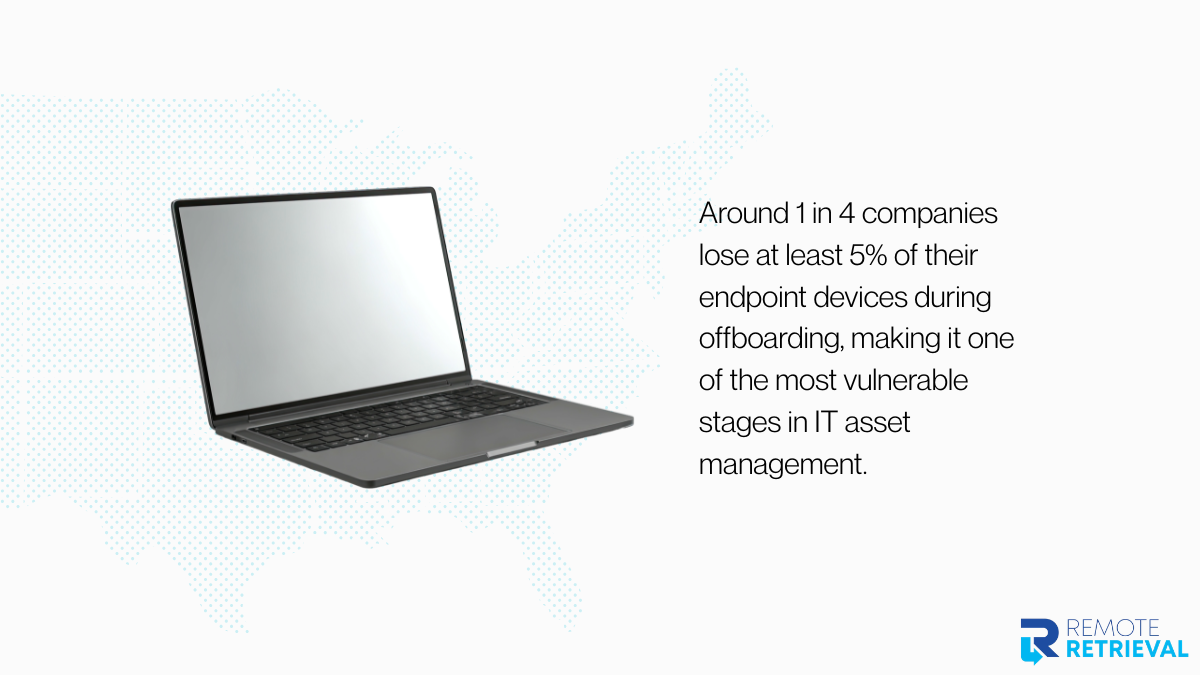
Data shows the scale of the issue clearly. Around 1 in 4 companies lose at least 5% of their endpoint devices during offboarding, making it one of the most vulnerable stages in IT asset management. Here, the importance of offboarding becomes very practical rather than theoretical. A missed laptop at this stage is not just an administrative issue; it is a direct security and cost risk.
11. Train Employees on Proper Device Handling
Even the best systems fail without user awareness. Employees should understand how to handle company laptops, especially when working remotely or traveling. This also helps challenge common remote-work myths that assume employees will manage their devices without guidance.
-
Share clear usage guidelines
-
Encourage prompt issue reporting
-
Train on basic security practices
-
Reinforce policies regularly
With remote work now widespread, many organizations assume employees will naturally follow the process. However, remote work environments often lack consistent visibility and policy enforcement, which leads to gaps in IT asset tracking and compliance behavior.
12. Use Consistent Naming and Tagging Systems
A simple naming system can save hours of confusion. When devices are labeled clearly and consistently, it becomes easier to track them across systems and locations.
-
Use structured naming formats
-
Tag devices by department or region
-
Keep labels consistent across tools
-
Update tags when roles change
In distributed setups, lack of consistent structure is one of the reasons devices become harder to trace over time. IT asset visibility challenges are widely documented in remote environments where multiple tools and processes operate without a unified system.
A clean naming system reduces confusion during audits, onboarding, and especially during cross-border recovery situations.
Get Your Laptop Retrieved — Track It End-to-End
Bringing Remote Laptop Tracking Under Control
Tracking laptops across multiple locations is not about adding more tools for the sake of it. It comes down to having clear ownership, consistent processes, and systems that give you visibility without guesswork. When devices move between homes, cities, and even countries, small gaps in tracking quickly turn into missing assets and security risks. Strong offboarding, regular audits, and proper remote controls help close those gaps before they grow. The goal is simple: know where every device is, who has it, and how to get it back when needed. That clarity saves time, money, and a lot of unnecessary back and forth.
For situations where devices are already outside your control, Remote Retrieval helps you safely recover laptops from remote employees without disrupting operations.