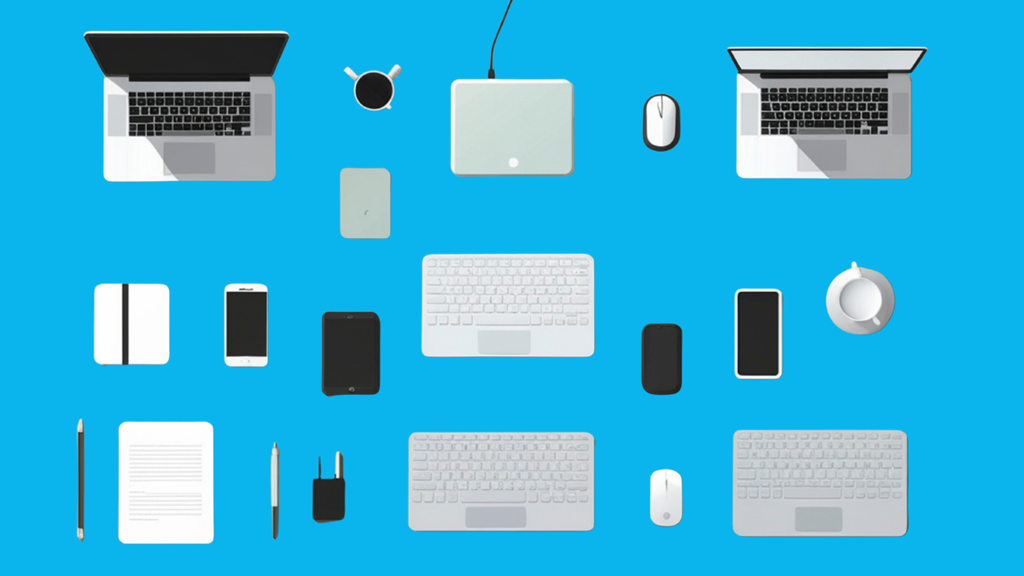
Take a quick look around your own workspace right now.
There’s probably a company laptop. Maybe a personal one you sometimes check email on. A phone that pings with work messages. A monitor IT shipped over. A keyboard, a dock, a headset.
And somewhere in a drawer, there’s likely an older laptop from a job you left two years ago that nobody ever asked you to send back.
That little pile is the whole problem in miniature. One person, half a dozen devices, and only some of them officially accounted for. Without a structured remote hardware program, those devices can quickly become difficult to track and recover.
Now multiply that across a remote workforce spread over dozens of cities, and you start to see why IT teams everywhere feel like they’re losing count. There’s a name for this: device sprawl. And it’s quietly becoming one of the biggest headaches in remote work.
So What Exactly Is Device Sprawl?
Device sprawl is the steady, often invisible proliferation of hardware that a company must track.
It’s not just laptops. It’s phones, tablets, monitors, docking stations, webcams, and all the bits and pieces that pile up when people work from home. Each one is a device someone has to own, secure, update, and eventually get back.
In an office, this was manageable. Everything sat in one building, and you could more or less walk around and count it.
Remote work blew that apart. Now the same gear is scattered across employees’ homes, coffee shops, co-working spaces, and sometimes entire other countries.
The numbers make the scale clear. According to one analysis, a company with fewer than 50 staff runs about 22 endpoints, while an enterprise with 1,000+ employees averages around 1,920.
That’s nearly two devices per person before you even count the personal ones. And most remote workers juggle two or three of their own just to get through a normal day: a laptop, a phone, and maybe a tablet that quietly ends up holding work files too.
How We Ended Up Here
Device sprawl didn’t happen overnight, and it isn’t anyone’s fault, exactly. It’s the sum of a few trends that all pushed in the same direction.
• Remote work became normal
What started as an emergency scramble in 2020 is now simply how a huge share of office work gets done. Every one of those people needs a setup at home, and home setups tend to grow.
• Personal devices crept into work
This is a big one. Around 73% of remote employees use personal devices for work, and only a little over half of those devices actually meet basic corporate security standards.
So now IT isn’t just tracking the gear it bought; it’s quietly responsible for a fleet of phones and laptops it never even saw.
• Replacements pile up
A laptop dies, a new one gets shipped out, and the old one… sits in a drawer. While these devices may appear harmless, inactive laptops can still pose security threats when they contain company credentials, files, or outdated software.
Devices that live in someone’s home tend to get swapped out sooner than shared office gear, and the one being replaced rarely finds its way back. More replacements simply mean more retired devices floating around with nowhere to go.
Put those together over a couple of years, and a tidy little fleet turns into a sprawling, half-tracked mess.
Why a Few Extra Gadgets Is Actually a Big Deal
It’s tempting to shrug this off. So there are some extra laptops lying around. Who cares? Here’s who: your security team, your finance team, and eventually your auditors.
1. The Security Side
Every device is a door into your company’s data. The trouble is that the doors nobody is watching are the ones that get kicked in.
Microsoft has found that 80 to 90% of successful ransomware attacks come from unmanaged devices, exactly the kind of personal phone or forgotten laptop that sprawl produces.
These unmanaged endpoints create many of the same vulnerabilities highlighted in cybersecurity risks of unreturned laptops.
And people store more on those devices than you’d think. Someone forwards a contract to their personal inbox to print at home, or drops a spreadsheet onto their own laptop to finish over the weekend. That’s company data sitting on hardware your IT team can’t see, patch, or wipe.
2. The Money Side
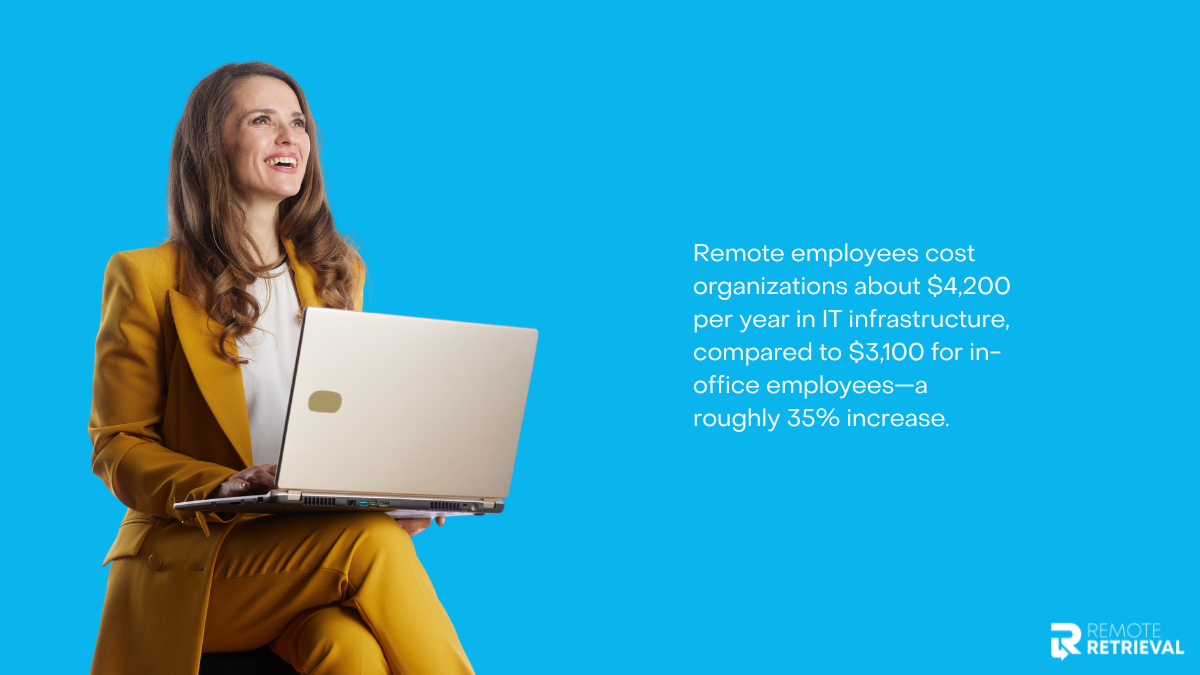
Sprawl is also expensive in ways that don’t show up on a single invoice. The average remote worker already costs about $4,200 a year in IT infrastructure, compared with $3,100 for someone in the office, roughly 35% more, largely because of all the endpoints and tools that need provisioning and support.
Then there’s the waste. When you can’t see what you already own, you buy more.
A laptop gets written off as lost, a replacement gets ordered, and then the original turns up months later, still on the books. Multiply that across a distributed team and you’re quietly paying for the same hardware twice.
3. The Visibility Side
Maybe the quietest cost is simply not knowing. Devices that aren’t tracked don’t just disappear from spreadsheets. They turn into what we’ve called shadow inventory: assets your company owns but can’t actually account for.
Sprawl is the engine; shadow inventory is the exhaust.
Remote Work Doesn’t Just Add Devices, It Multiplies the Problem
Here’s the part that catches a lot of teams off guard. Remote work doesn’t simply give you more hardware to manage. It makes each piece harder to manage.
• Distance slows everything down.
A laptop in an office can be checked in five minutes. A laptop in an employee’s apartment three time zones away can take days or weeks to verify, ship, or recover. For distributed organizations, tracking laptops across multiple locations becomes increasingly difficult as devices move between homes, offices, co-working spaces, and storage facilities.
• You can’t just look
In an office, IT can physically confirm a device exists. Remotely, that same process depends on records, employee responses, and device check-ins. The farther equipment is from the workplace, the harder it becomes to verify its condition, location, and status with confidence.
• Offboarding gets messy
When someone leaves an office, they hand back the badge and the laptop on the way out. When someone leaves a remote role, that gear is sitting in their home, and getting it back is its own small project. A documented exit checklist for remote employees helps ensure devices are returned before access is revoked.
Tools like Microsoft Intune, Jamf, or Kandji can lock or wipe a device remotely, but they can’t physically bring it home.
One missing laptop is annoying. Scale that across hundreds of remote employees and the small gaps multiply into a genuine operational and security problem.
Getting Sprawl Back Under Control
The good news is that device sprawl is fixable. It just won’t fix itself. A few practical moves go a long way.
1. Track devices across their whole life, not just at purchase.
Every device should have an owner, a status, and a history, from the day it’s bought to the day it’s wiped and retired. A spreadsheet that’s updated once a quarter won’t cut it. Organizations must also account for compliance considerations related to end-of-life devices to ensure data is properly protected and disposed of.
2. Set clear rules for personal devices.
If people are going to use their own phones and laptops (and they are), decide what’s allowed, require basic protections, and write it down. Vague policies are how the 73% becomes a breach.
3. Use device management tools, but don’t lean on them for everything
Platforms like Intune and Jamf are great for pushing updates and locking lost hardware. Just remember software can’t ship a laptop back to you.
4. Make recovery part of offboarding, not an afterthought.
The moment someone gives notice, the clock should start on getting their gear back and their data wiped. The longer a device lingers, the more likely it becomes one more entry in your shadow inventory.
Conclusion
Device sprawl is one of those problems that stays invisible right up until it isn’t: until the audit fails, the breach happens, or finance asks why you bought 50 laptops you didn’t need.
The companies that stay ahead of it aren’t the ones with the fanciest tools. They’re the ones who treat every device as something to be tracked, secured, and eventually brought home, no matter where in the world it happens to be sitting.
That last part, actually getting devices back from remote employees and ensuring the data on them is properly destroyed, is where a lot of teams get stuck. If that sounds familiar, head over to Remote Retrieval to see how secure retrieval and data destruction can take the sprawl off your plate for good.