
Most businesses have policies for passwords, phishing emails, and software updates. But something as ordinary as a forgotten laptop or USB drive can create the same kind of security headache. Company devices often store customer information, internal documents, financial records, and saved logins that are valuable to anyone who gets hold of them. Even if the device is eventually recovered, there’s no guarantee the data remained untouched. That’s why preventing loss is only part of the solution.
Businesses also need a reliable way to recover misplaced equipment, and secure device returns have become an important part of that effort. In this article, we’ll look at how forgotten company devices lead to data breaches, the real incidents behind the headlines, and the steps organizations can take to reduce the risk.
Why Forgotten Company Devices Pose Such a Serious Risk
When a company device goes missing, the biggest concern isn’t usually the hardware. It’s the information stored on it and the access it may already have to business systems. Even a password-protected device can become a security risk if it isn’t encrypted, has saved credentials, or remains connected to company accounts.
The numbers show that lost and forgotten devices continue to be a real security problem, not a rare occurrence.
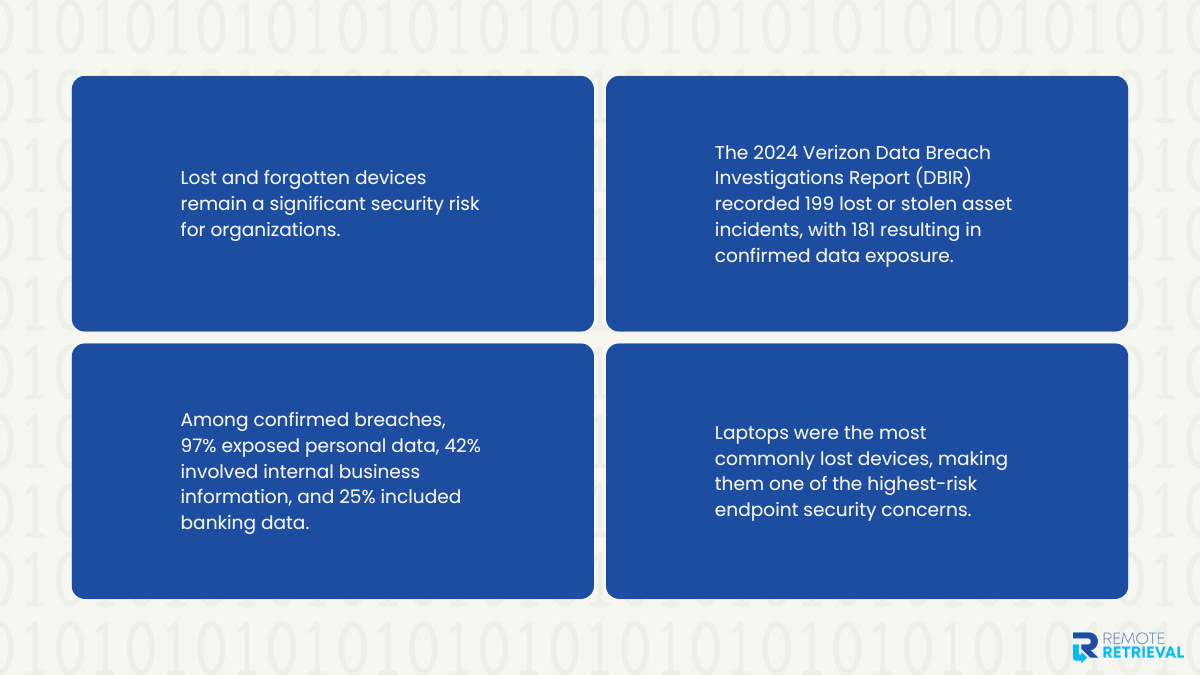
- The 2024 Verizon Data Breach Investigations Report (DBIR) recorded 199 lost and stolen asset incidents, and 181 of them resulted in confirmed data disclosure.
- According to the same report, personal data was exposed in 97% of those confirmed breaches, while 42% involved internal business data and 25% included banking information.
- Verizon also found that laptops continue to be the device most commonly lost, making them one of the biggest endpoint security concerns for organizations.
A forgotten company device can expose a wide range of sensitive information, including:
- Customer names, addresses, and contact details
- Financial records and payment information
- Employee payroll and HR files
- Saved browser passwords and VPN credentials
- Internal documents, contracts, and intellectual property
- Source code, project files, and confidential business data
The impact depends on what was stored on the device and how well it was protected. In the next section, we’ll look at the most common ways forgotten company devices turn into reportable data breaches.
Common Data Breach Scenarios Caused by Forgotten Company Devices
A forgotten device doesn’t automatically lead to a data breach, but it can create the right conditions for one. The level of risk depends on what is stored on the device, how it’s protected, and how quickly the organization responds. Below are some of the most common ways misplaced company devices end up exposing sensitive business information.
1. Unencrypted Hard Drives Give Attackers Direct Access
A login password isn’t always enough to protect the data on a lost laptop. If the hard drive isn’t encrypted, someone with physical access can remove the drive, connect it to another computer, or boot the laptop using external media to read the files directly. In many cases, the operating system’s login screen becomes little more than an inconvenience.
The information exposed can include:
- Customer databases
- Financial reports
- Contracts and legal documents
- Product designs and intellectual property
- Employee records
The U.S. Cybersecurity and Infrastructure Security Agency (CISA) recommends encrypting all laptops and removable storage because unencrypted data can often be accessed if a device is lost or stolen.
The best defense is full-disk encryption, combined with strong authentication and the ability to remotely lock or wipe the device. These controls also strengthen the secure chain of custody by reducing the chances that exposed data becomes part of a larger security incident.
2. Saved VPN and Login Credentials Become an Entry Point
Many employees save passwords in their browsers or allow VPN clients to remember their login details for convenience. While that speeds up daily work, it can also make a forgotten device far more valuable to an attacker.
Instead of trying to break into a network from the outside, they may simply use credentials already stored on the device. These can include:
- Browser-saved passwords
- VPN profiles
- Single sign-on (SSO) sessions
- Cached authentication tokens
- Cloud storage logins
With valid credentials, attackers may be able to move through internal systems without triggering immediate suspicion. Multi-factor authentication greatly reduces this risk because a saved password alone is no longer enough to gain access. Organizations should also revoke active sessions and rotate credentials as soon as a device is reported missing. These steps become especially important when tracking laptops across remote locations, where recovering equipment may take longer.
3. Automatic Wi-Fi Connections Lead to Man-in-the-Middle Attacks
Many company laptops and tablets are configured to reconnect automatically to previously used wireless networks. That convenience can become a problem if a misplaced device connects to a fake access point that copies the name of a trusted network.
Once connected, attackers may attempt to:
- Intercept unencrypted traffic
- Capture session cookies
- Redirect users to fake websites
- Deliver malware or malicious updates
CISA recommends disabling unnecessary automatic network connections and using trusted, encrypted networks whenever possible because unsecured Wi-Fi increases the risk of data interception.
Organizations should also require VPN use on public networks, keep endpoint protection up to date, and review wireless settings on company devices regularly. Small configuration changes like these can prevent a simple oversight from becoming a much larger security problem.
4. Lost Devices Expose Customer PII and Financial Data
Many employees work with customer information every day, and some of that data is stored locally for offline access or temporary use. If a device is forgotten before those files are removed, sensitive information can be exposed even without access to the company’s network.
Common examples include:
- Customer contact information
- Payroll spreadsheets
- Medical records
- Contracts and invoices
- Payment details
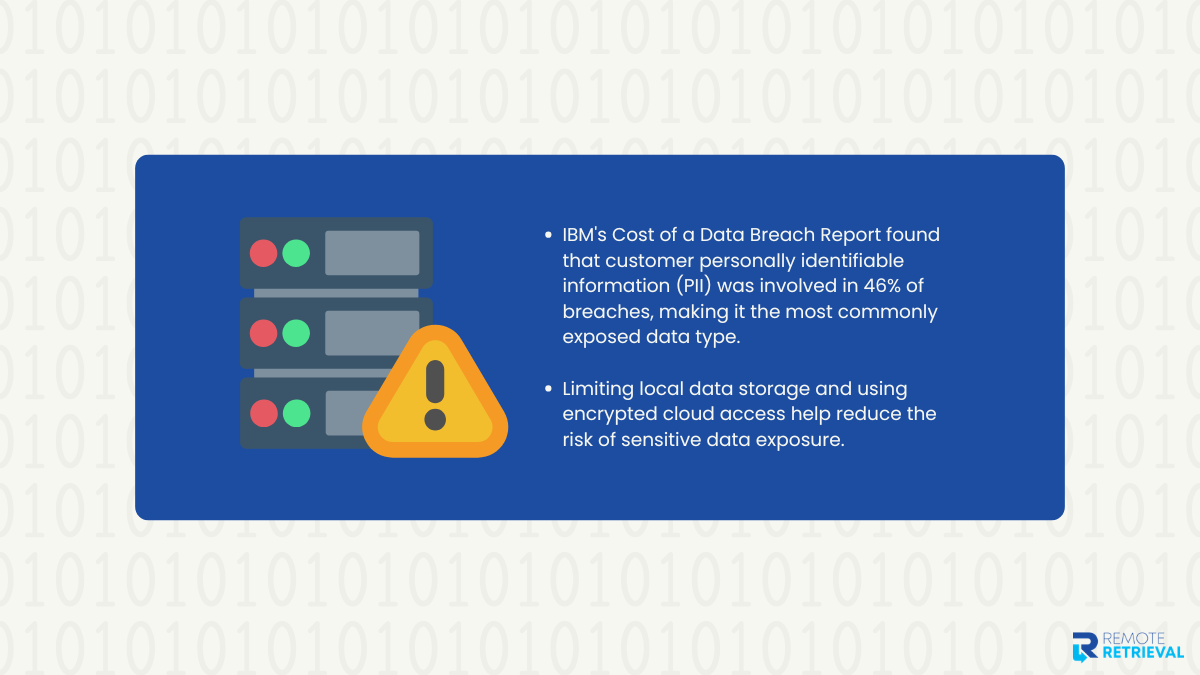
IBM’s 2024 Cost of a Data Breach Report found that customer personally identifiable information (PII) was involved in 46% of data breaches, making it the most commonly exposed type of record.
Beyond the immediate breach, organizations may face notification requirements, regulatory investigations, and other compliance considerations depending on the type of information involved. Limiting local data storage and using encrypted cloud access can significantly reduce this risk.
5. Physical Notes and Documents Increase the Damage
Security discussions often focus on digital files, but physical documents can create just as many problems. A laptop bag may contain printed contracts, customer records, identity documents, or handwritten notes with passwords and recovery codes. If everything is forgotten together, attackers gain much more than a single device.
Items commonly found alongside company laptops include:
- Password lists
- Multi-factor recovery codes
- Printed client records
- Employee documents
- Identity verification paperwork
Businesses should encourage employees to avoid storing sensitive paperwork with company devices whenever possible. Password managers are a much safer alternative to handwritten notes, and confidential documents should be securely destroyed once they are no longer needed. Good physical security habits remain just as important as technical controls.
6. Lost USB Drives Become Portable Data Breaches
USB drives are easy to carry, but they’re also easy to forget. Because they often contain copied files rather than live systems, they may go unnoticed until someone realizes important data is missing.
Typical contents include:
- Backup files
- Customer databases
- Financial spreadsheets
- Project documents
- Software installers
There’s another concern people often overlook. USB drives can also be used to introduce malware into company systems if they’re plugged in without being verified first.
This raises an important question: are inactive laptops a security threat? The answer is yes, and the same applies to forgotten USB drives. Even when they aren’t actively being used, the data stored on them remains accessible unless it’s properly encrypted. Organizations should encrypt all removable media, keep an inventory of issued storage devices, and address laptop retrieval challenges quickly before a temporary loss becomes a reportable incident.
Real Data Breach Cases Involving Lost or Forgotten Company Devices
Forgotten and stolen devices have caused some of the largest data exposure incidents reported over the years. These cases show how a single misplaced laptop, external drive, or storage device can create serious problems when sensitive information is not properly protected.
Looking at real incidents also highlights why organizations need stronger device controls, encryption policies, and clear recovery processes before equipment goes missing.
In 2006, the U.S. Department of Veterans Affairs (VA) experienced one of the most widely known lost device breaches. An employee took home data stored on a laptop and external hard drive without authorization. After the employee’s home was burglarized, the equipment was stolen along with personal information belonging to approximately 26.5 million veterans and service members. The exposed data included names, Social Security numbers, dates of birth, and disability information. The incident led to investigations and increased scrutiny of VA security practices. The main lesson was clear: sensitive data should not be stored on devices without strong encryption and strict access controls.
In 2017, Coplin Health Systems reported that an employee’s company laptop was stolen from a vehicle. The laptop potentially contained information belonging to around 43,000 patients, including names, addresses, dates of birth, Social Security numbers, financial details, and health information. While the device had password protection and other security measures, its hard drive was not encrypted, creating concerns about unauthorized access to stored data. The organization responded by disabling the employee’s access to its systems and investigating the incident. This case shows why password protection alone is not enough when devices contain sensitive records. Full-disk encryption is a critical safeguard for protecting data if a laptop leaves company control.
In 2017, a USB drive containing sensitive information related to security procedures at Heathrow Airport was found by a member of the public in London. The device reportedly contained documents about airport security arrangements, including maps and operational details. While this incident did not involve customer records or a traditional cyberattack, it showed how easily removable storage can expose confidential information when proper handling procedures are not followed. The incident resulted in an internal review and raised questions about how sensitive files were stored and transported. The key takeaway is that portable devices require the same level of protection as company laptops, especially when they contain operational or confidential information.
How Organizations Can Prevent Device-Related Data Breaches
Recovering lost equipment is important, but preventing unauthorized access in the first place is far more effective. Company laptops, smartphones, and storage devices need protection throughout their entire lifecycle, whether they are assigned to employees, being repaired, or waiting to be returned.
A strong device security strategy combines encryption, access controls, remote management, and employee awareness. This becomes especially important for organizations managing remote teams or large numbers of devices, where keeping track of hardware and maintaining consistent security standards can become more difficult.
• Use Full-Disk Encryption to Protect Stored Data
Full-disk encryption should be a standard security measure for every company device. It protects files stored on laptops and other hardware by making the data unreadable without the correct authentication. Without encryption, someone with physical access to a device can remove the storage drive or use external tools to access files without needing the original login.
Solutions such as BitLocker for Windows and FileVault for macOS help protect sensitive information even when a device is lost or stolen. Encryption is also important when handling damaged company laptops because devices that require repair, replacement, or disposal may still contain sensitive information. Without proper encryption, stored files can remain accessible even when the hardware is no longer in normal use.
• Enable Remote Lock and Remote Wipe Capabilities
When a company device goes missing, time matters. Remote lock and wipe features allow IT teams to take action before unauthorized users gain access to sensitive information. These tools can disable access, remove company data, and prevent a lost device from becoming an entry point into business systems.
Remote management is especially useful for organizations that build a remote hardware program, where employees may work from different locations and devices may not always return directly to company offices. Having the ability to manage devices remotely gives businesses better control over equipment throughout its lifecycle, from deployment to recovery.
• Strengthen Access Security With Multi-Factor Authentication
Strong passwords alone are no longer enough to protect company accounts. If a device stores login details or active sessions, attackers may attempt to use them to access business systems. Multi-factor authentication adds another layer of verification, making it much harder for unauthorized users to gain entry even if a password is exposed.
Companies should enable MFA across email accounts, VPN connections, cloud platforms, and internal applications. Regularly reviewing active sessions and removing access from lost or retired devices also helps prevent unauthorized activity.
• Use MDM and Endpoint Security Tools for Better Device Control
Managing company devices becomes more challenging as organizations grow, especially with remote employees and distributed teams. Mobile Device Management (MDM) and Endpoint Detection and Response (EDR) tools give IT teams better visibility into device activity and security status.
These solutions help organizations enforce security settings, monitor suspicious activity, apply updates, and manage lost devices remotely. They also make it easier to maintain accurate device records, which is essential when identifying missing equipment and handling device recovery.
• Reduce Local Data Storage and Improve Employee Awareness
Not every file needs to be stored directly on a laptop or phone. Limiting local storage of sensitive information reduces the amount of data exposed if a device goes missing. Businesses should encourage employees to use secure cloud storage and approved platforms instead of keeping unnecessary copies of confidential files on individual devices.
Technology alone cannot prevent every incident. Employees also need clear guidance on reporting lost devices, protecting company hardware, avoiding unsafe storage practices, and following return procedures. Regular security awareness training helps create better habits and reduces the chances of a forgotten device turning into a serious data exposure incident.
Final Words
Forgotten company devices can quickly become security risks when proper controls are not in place. With the right safeguards and recovery processes, businesses can reduce data exposure and keep their information protected. Need help recovering devices from remote employees? Partner with Remote Retrieval for safe and secure device recovery across the globe.